Shiprocket · Delhivery · custom

From Order to Shipping Label, Automatically

Each order auto-books the courier, prints the label and pushes tracking to the customer — with NDR and failed-delivery handled — so fulfilment runs itself.

How We Build Your Order-to-Shipping Automation Workflow

An order-to-shipping automation takes a paid order and carries it all the way to a booked shipment without anyone re-keying an address. The moment an order is marked ready, it auto-books the right courier through Shiprocket, Delhivery, or ShipStation, generates the AWB and a print-ready label, and marks the order fulfilled in your store. Your packing bench simply prints and sticks, so a task that used to mean copying details into a courier panel one order at a time becomes a single automatic step.

Manual fulfilment is a daily grind, and the errors ride along with it. Typing addresses into a courier dashboard is slow, and a single wrong pincode or missed order means a delayed or returned parcel and an annoyed customer. Automating the booking keeps every shipment consistent, pushes tracking links to buyers over WhatsApp, SMS, or email the instant a label is made, and quietly cuts the support tickets that start with 'where is my order'.

appsy.one builds the pipeline around how you actually ship, and the real fork in the road is how many couriers you run. Ship everything through one aggregator and the logic stays simple, a booking and a label per order; the moment you split volume across carriers by weight, zone, cash-on-delivery, or live rate, allocation becomes the hard part and failed or NDR shipments each need their own follow-up so nothing stalls silently. A single-courier flow often runs on Zapier, Make, n8n, or Pabbly over your order webhooks, while multi-courier routing, bench label printing, or an ERP tie-in calls for a custom layer with retries so one carrier's outage never drops a shipment.
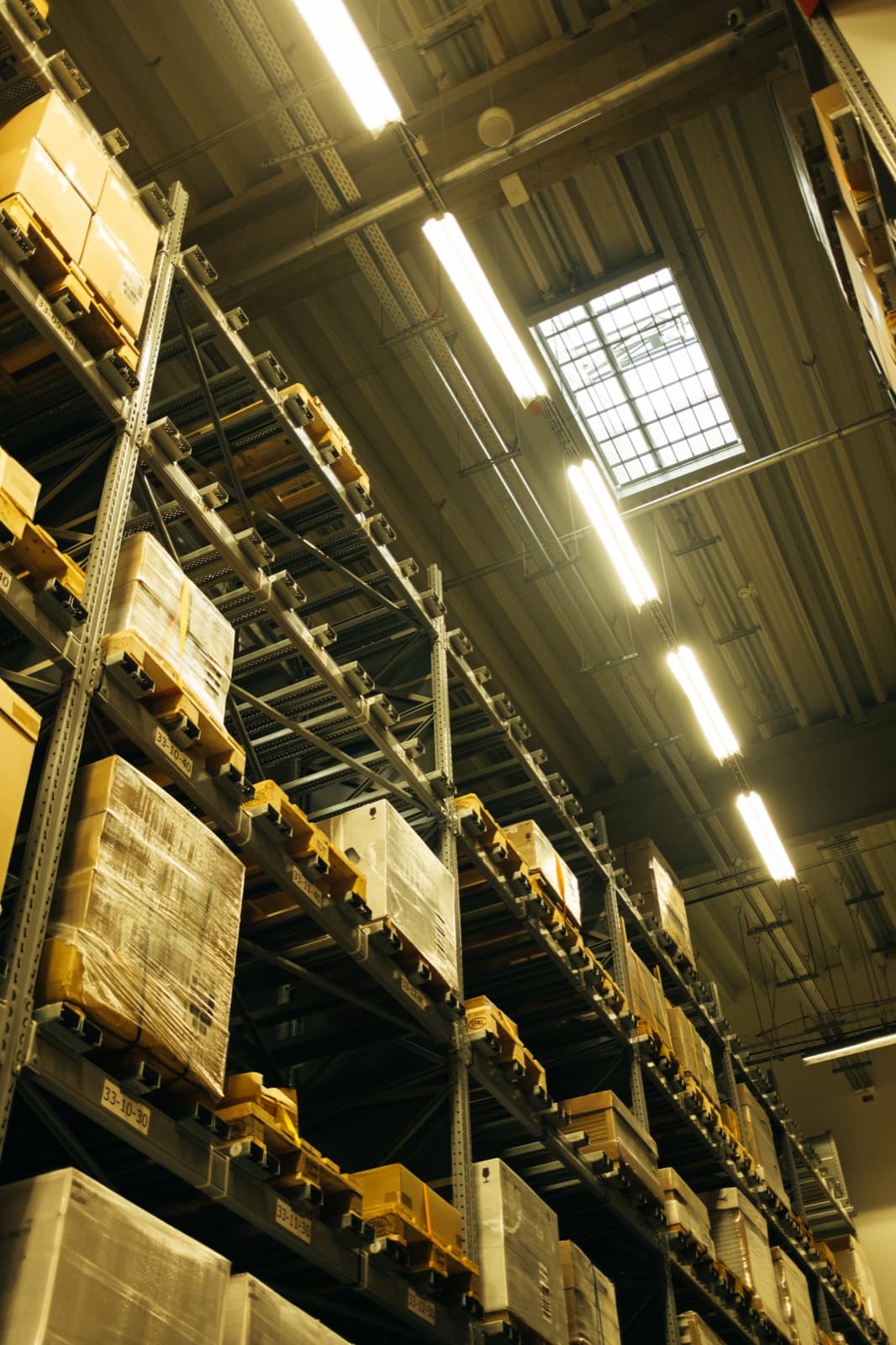
Tall warehouse pallet racking filled with wrapped goods and labelled shelf locations, stock ready for dispatch
From paid order to booked courier, automaticallyImage: Shixart1985 via Openverse · CC BY

Order-to-Shipping Automation: Custom-Built vs No-Code DIY

When a quick no-code recipe is the smart call — and when a custom build you own pays off.

Consideration
Custom build (us)
No-code DIY
Single courier, standard store
Hold off for now. If you ship everything through one aggregator, its own panel and app already book labels and push tracking.
Begin with the panel. A Shiprocket or Delhivery dashboard, or a native store plugin, books labels and syncs tracking out of the box for a single-courier setup.
Rule-based multi-courier allocation
This is where a build pays off. Choosing the courier per order by weight, zone, COD, or live rate, then booking automatically, is real routing logic no single panel exposes.
Aggregators offer courier rules, but they lock you to their network and pricing; once you want your own logic across carriers, you outgrow the built-in rules fast.
NDR and failed-delivery handling
Give this its own workflow. Catching a non-delivery, alerting the buyer to confirm the address, and re-attempting or flagging for the team needs a process, not a status field.
Most panels show an NDR status and stop there, leaving someone to chase each failed delivery by hand before the parcel is auto-returned.
Custom store or ERP with bench printing
Only a build reaches this. Reading orders from a bespoke system, printing thermal labels at the pack station, and writing tracking back to your ERP is bespoke plumbing.
Off-the-shelf tools assume a standard store and a manual print step; they can't reach into a custom OMS or drive a warehouse label printer on their own.

Apps & Systems We Connect

Your store, marketplaces and the everyday tools your business already runs on.
Shopify and WooCommerce order and fulfilment webhooksShiprocket, Delhivery, and Blue Dart / DTDC for India courier bookingShipStation, Shippo, or EasyPost for multi-carrier global shippingDirect courier APIs for AWB numbers and print-ready label PDFsWhatsApp, SMS, and email for automatic tracking updates to buyersThermal and A4 label printers at the packing benchGoogle Sheets or your ERP / OMS for shipment logs and statusRazorpay and Stripe or COD status to trigger booking on paid ordersNDR and RTO dashboards for failed-delivery follow-upZapier, Make, n8n or Pabbly Connect as the booking engine
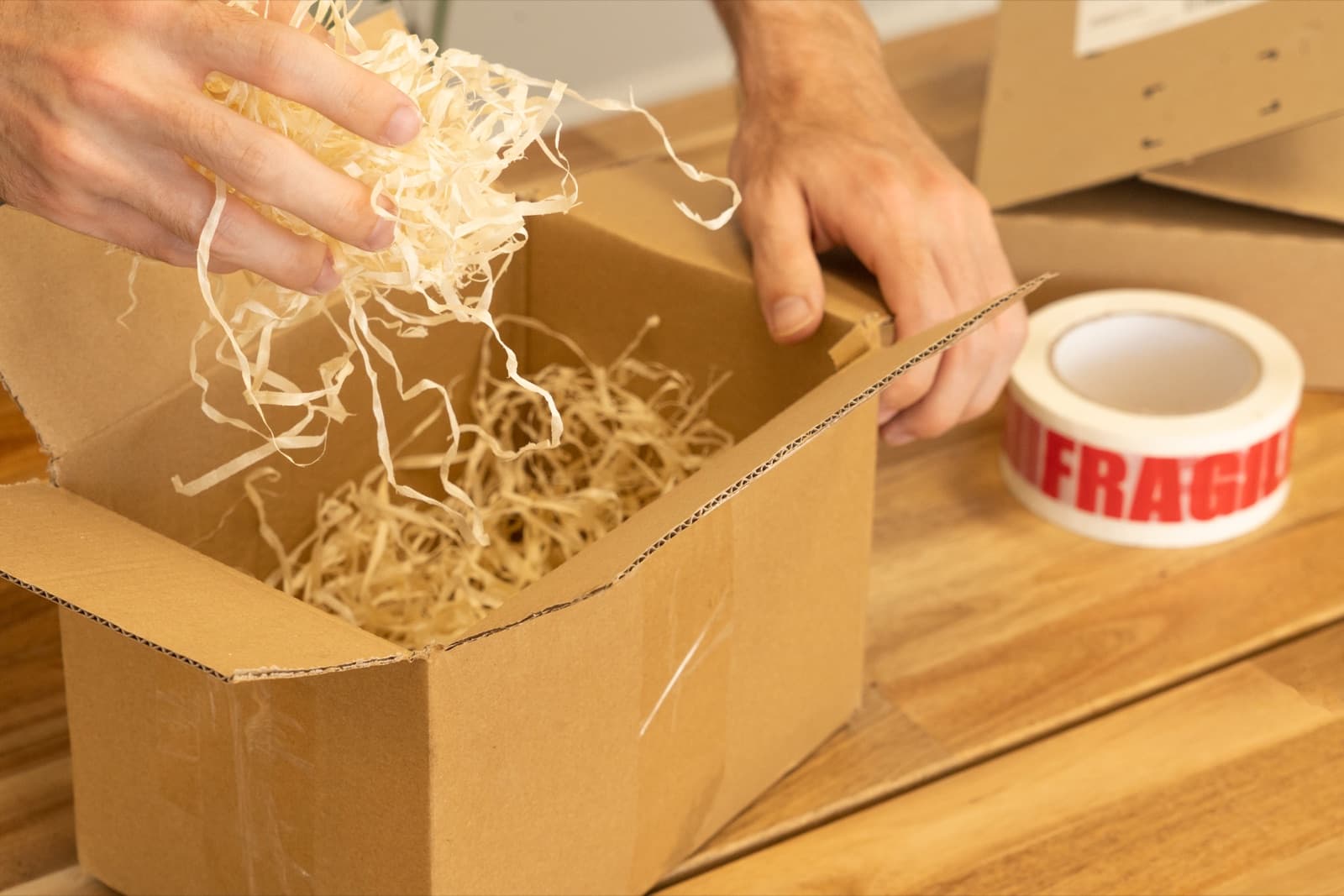
Hands filling a cardboard shipping box with paper wood-wool packing material next to a roll of red Fragile tape
Print the label, ship the parcel, no re-keyingImage: Meanwell Packaging via Openverse · CC BY
Person in a maroon shirt sealing a small cardboard parcel on a white packing table in a bright studio workspace
Consistent fulfilment at the packing benchImage: Bench Accounting via Openverse · CC0

Automation Tools We Build This On

We build on the platform that fits your stack and budget — here are the official tools behind this automation.

Order-to-Shipping Automation Automation — Questions Businesses Ask

Common questions about our order-to-shipping automation automation solutions.

Let's map the automations that will save you the most time

Book a free 30-minute automation audit. We'll find 3 workflows you can automate this month — no obligation, no fixed-price pressure.

Book a Free Automation Audit