Make · n8n · custom

Never Get Caught Out of Stock Again

When any SKU drops below its threshold, we auto-alert purchasing and draft the reorder — across store and marketplaces — so stockouts and oversells stop happening.

How We Build Your Low-Stock Alerts Workflow

A low-stock-alert automation watches the on-hand quantity of every SKU across your channels and pings you the moment an item drops below its reorder point, on Slack, WhatsApp, email, or Teams, before the shelf actually empties. Instead of discovering a bestseller is out of stock when a customer complains, you get a heads-up while there is still time to act, and for regular items the system can auto-draft a purchase order to the supplier so reordering is a click, not a scramble.

Two expensive failures hide behind the same blind spot: stockouts and overselling. A stockout is lost sales and a shopper who buys from a competitor; overselling, common when the same stock is sold on your website, Amazon, and a physical counter, means cancelling orders and burning trust. By centralizing stock levels and reacting to thresholds automatically, you stop finding out too late. The alert is early, the reorder is teed up, and the count that every channel reads from stays honest.

The main choice on this build is how far past the alert you want to go. The lightest version simply watches thresholds and pings you, which runs comfortably on a no-code stack wired to your store, POS or ERP wherever the master count lives. A step up drafts the reorder itself, which means teaching the system your velocity, lead times and supplier MOQs. The most demanding version keeps one shared count synced across every channel to stop overselling outright, and that is where appsy.one drops in a custom layer, because near-real-time multi-channel stock is the part no-code syncers do slowly and badly.
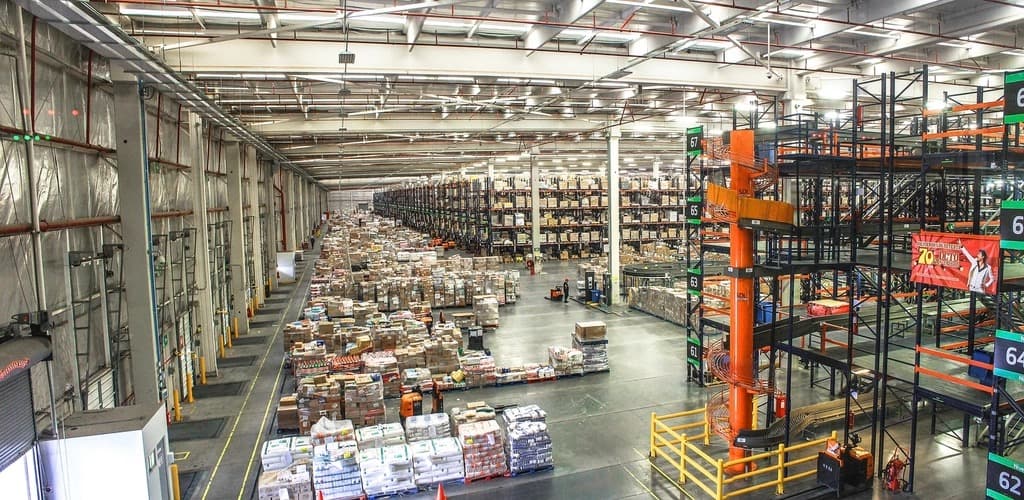
Wide view of a large warehouse with long aisles of pallet racking and stacked goods, as multi-channel inventory to monitor
Watch stock levels across every channelImage: rawpixel via Openverse · CC0

Low-Stock Alerts: Custom-Built vs No-Code DIY

When a quick no-code recipe is the smart call — and when a custom build you own pays off.

Consideration
Custom build (us)
No-code DIY
Simple low-stock email from one store
No need yet. Shopify and many inventory apps already email you at a set threshold; a light no-code flow adds Slack or WhatsApp on top.
Lean on the platform. Use your store's built-in reorder-point alerts or an inventory app before commissioning anything bespoke.
Multi-channel stock sync to stop overselling
Custom pulls its weight here. Keeping one shared count decrementing across web, POS and marketplaces in near real time is genuinely hard, and it is exactly what prevents oversells.
Off-the-shelf syncers exist but lag, and the gap between a marketplace sale and the update is precisely when you oversell the last unit.
Auto-drafted reorders with smart quantities
This deserves a proper build. Reorder quantities driven by sales velocity, lead time and supplier MOQ, drafted as a PO to the right vendor, need real logic rather than a fixed number.
Generic tools alert at a static threshold and stop there, leaving the buyer to calculate how much to order every single time.
Per-warehouse / per-location thresholds
Fully custom territory. Different reorder points per godown, and routing each alert to the manager who owns that location, is the kind of rule ready-made tools do not expose.
Single-threshold tools treat all stock as one pool, so a warehouse runs dry while another sits overstocked and no alert reflects it.

Apps & Systems We Connect

Your store, marketplaces and the everyday tools your business already runs on.
Shopify and WooCommerce inventory levels and product-update webhooksAmazon, Flipkart and Meesho stock feeds for multi-channel sellersPOS systems (Vend, Square, or a custom counter app) for in-store stockZoho Inventory, TallyPrime stock, or your ERP as the master quantity sourceSlack, Microsoft Teams, WhatsApp and email for the low-stock alertsZapier, Make, n8n or Pabbly Connect as the monitoring and alert engineGoogle Sheets or a database for reorder points, velocity, and supplier dataSupplier email or portal for auto-drafted purchase ordersBarcode / SKU scanning apps that feed stock adjustmentsYour custom app inventory API as the single source of truth
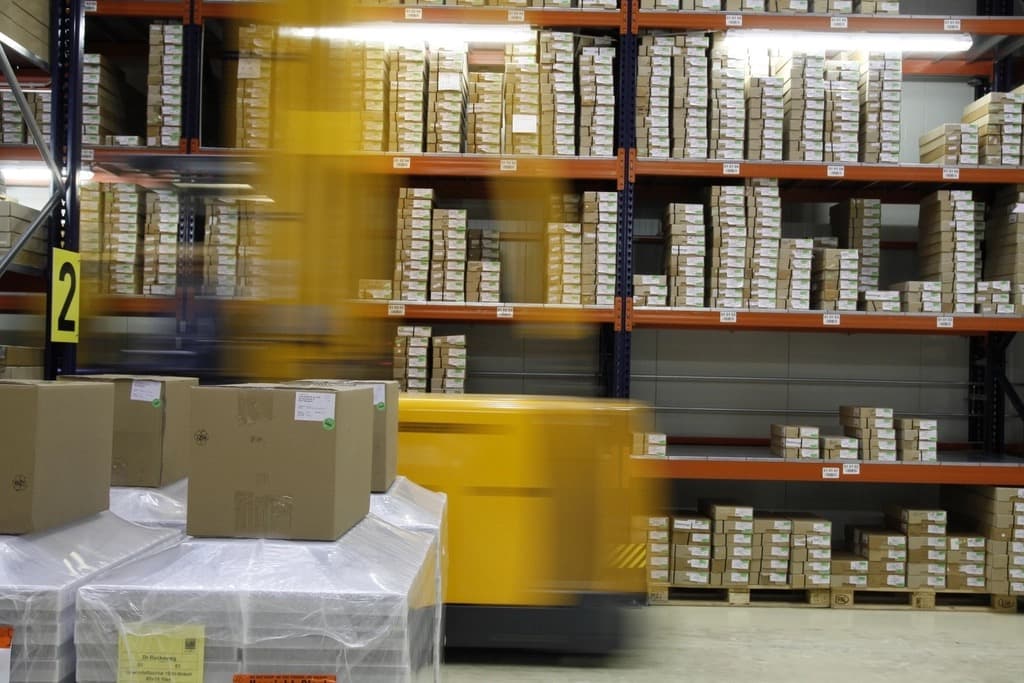
Warehouse shelves stacked with cardboard product boxes and a forklift moving past in motion blur, as stock is picked
Get warned before a bestseller sells outImage: rawpixel via Openverse · CC0
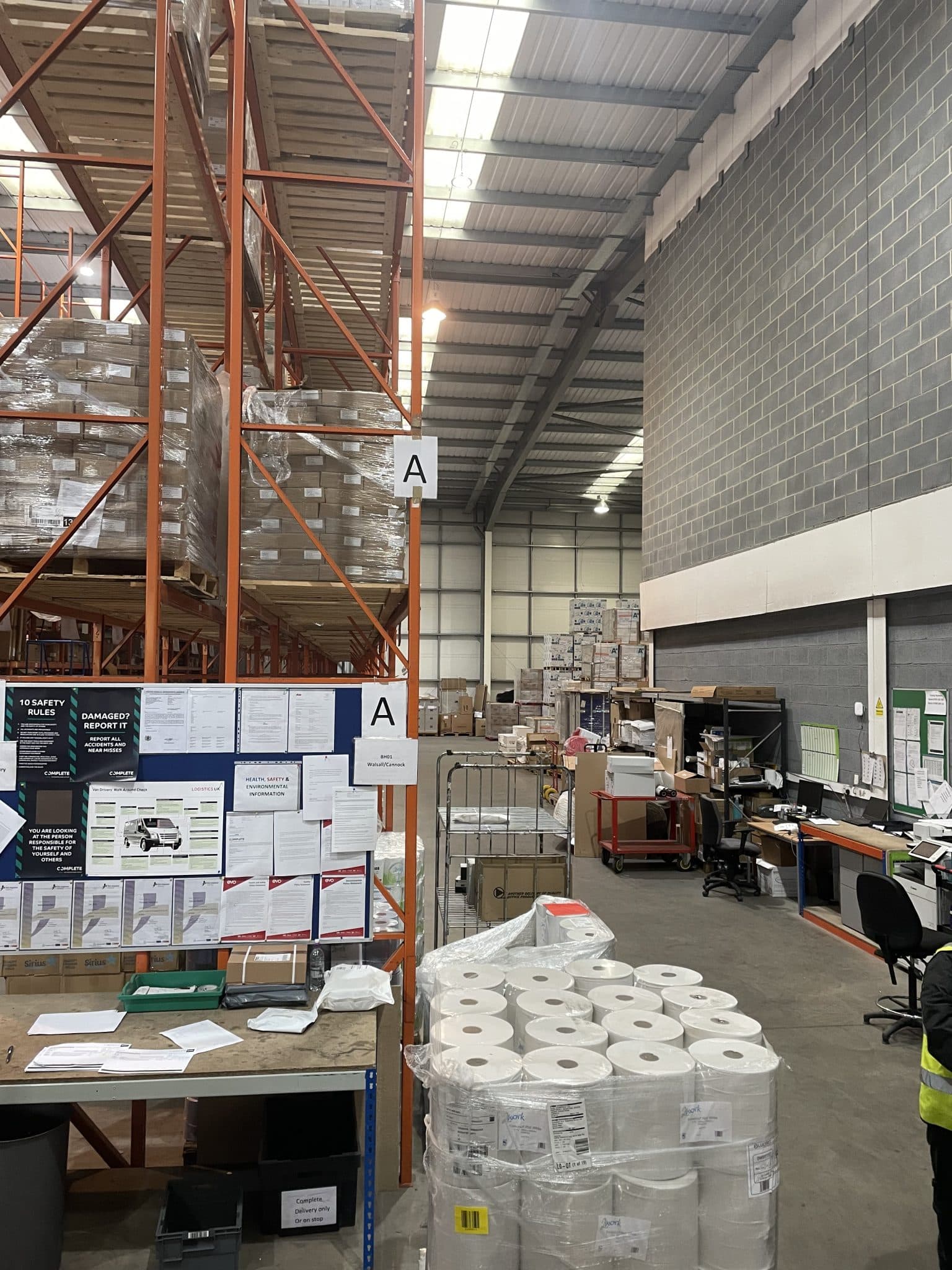
Interior of a working warehouse with tall orange pallet racking, wrapped stock, packing bench and a worker in a hi-vis vest
Auto-drafted reorders keep shelves filledImage: allureconsulting via Openverse · CC0

Automation Tools We Build This On

We build on the platform that fits your stack and budget — here are the official tools behind this automation.

Low-Stock Alerts Automation — Questions Businesses Ask

Common questions about our low-stock alerts automation solutions.

Let's map the automations that will save you the most time

Book a free 30-minute automation audit. We'll find 3 workflows you can automate this month — no obligation, no fixed-price pressure.

Book a Free Automation Audit